|
iBUG Mac-N-TalkAuthor: iBUG Today
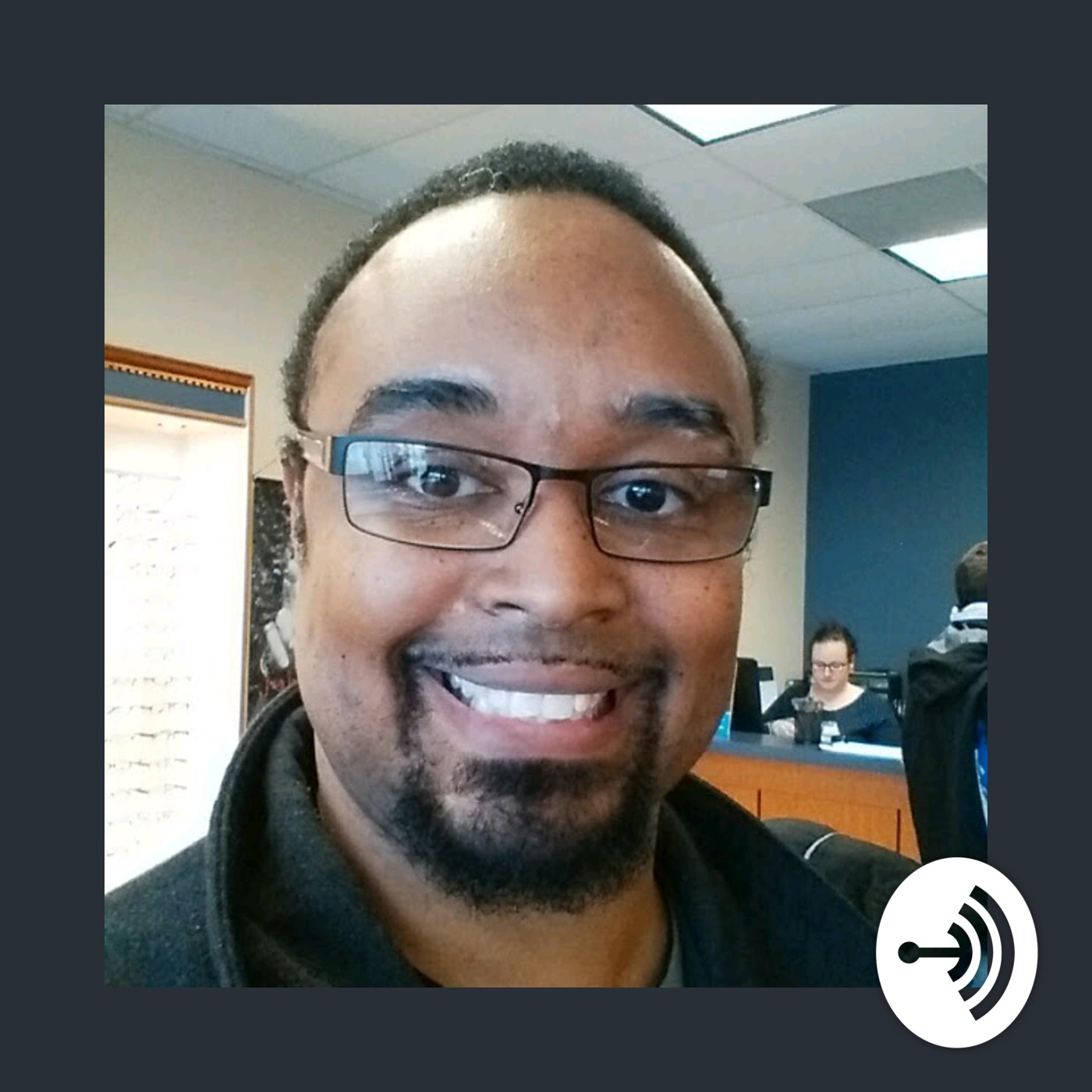
Are you thinking about getting a Mac? Are you wondering if you will be able to learn the accessibility features of the Mac operating system on your own? Do you have issues or questions about using your Mac? If you answered Yes to any of these questions, then this free iBUG Mac-N-Talk training session on the accessibility features of the Mac OS and hardware is the place for you. iBUG Mac-N-Talk is facilitated by advanced iBUG member, Chanelle Allen. Recorded live on the fourth Tuesday of the month, 7:00 to 8:30 PM Central Time. Language: en Genres: Technology Contact email: Get it Feed URL: Get it iTunes ID: Get it |
Listen Now...
Episode #77 January 27, 2026
Wednesday, 28 January, 2026
Facilitator: Chanelle AllenTopics: Experience updating to Tahoe; how to add an event to Calendar from Gmail website; can you use Trackpad independently of or in conjunction with VoiceOver for people transitioning to using a screen reader; what Trackpad commands are available for VoiceOver; how to generate better passwords; some websites do not like strong passwords suggested by Safari; how to open a PDF attachment from Mail and read it in Preview; alternate methods for reading PDFs; how to start using Safari instead of Chrome; how to install Google Chrome on the Mac; how to install something in a DMG file; why use Chrome and Safari; what keyboard command represents the right mouse click with VoiceOver; how to right click on the Trackpad; can you press Command-Delete to delete a photo; how to change the behavior of function keys; what is the Image descriptor command; update for Amadeus Pro fixes issues with Tahoe; recommendations for where to get Amadeus Pro; how to write or copy text in the edit field of a message; does learning VoiceOver require familiarity with the keyboard.